
From first commit to sent report.
A complete walkthrough of how commitplain connects to your repository, analyzes the work, drafts the summary, and waits for your decision — before your client sees anything.
The process is three steps, but the one that matters is review before send. Everything upstream is there to make that review fast and confident, not to skip it.
Link your repository
The draft is generated
You review, you decide
From repository to report in three steps.
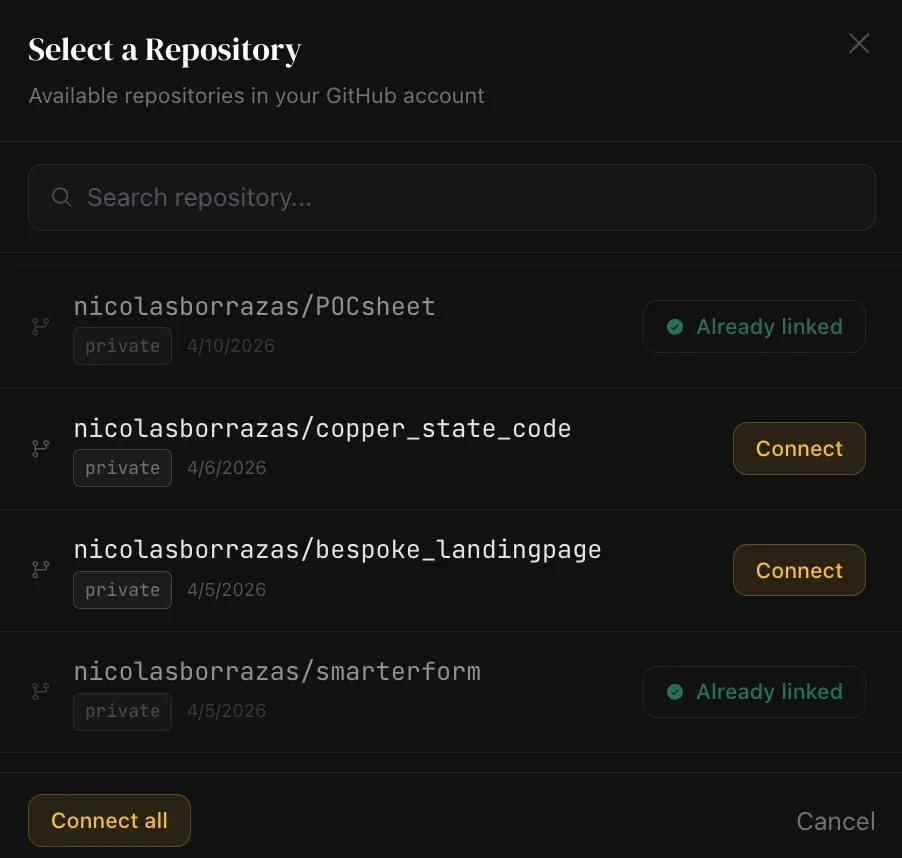
Link your repository
Authorize GitHub access in one click. commitplain reads the real commits — no copy-pasting or webhook setup required.
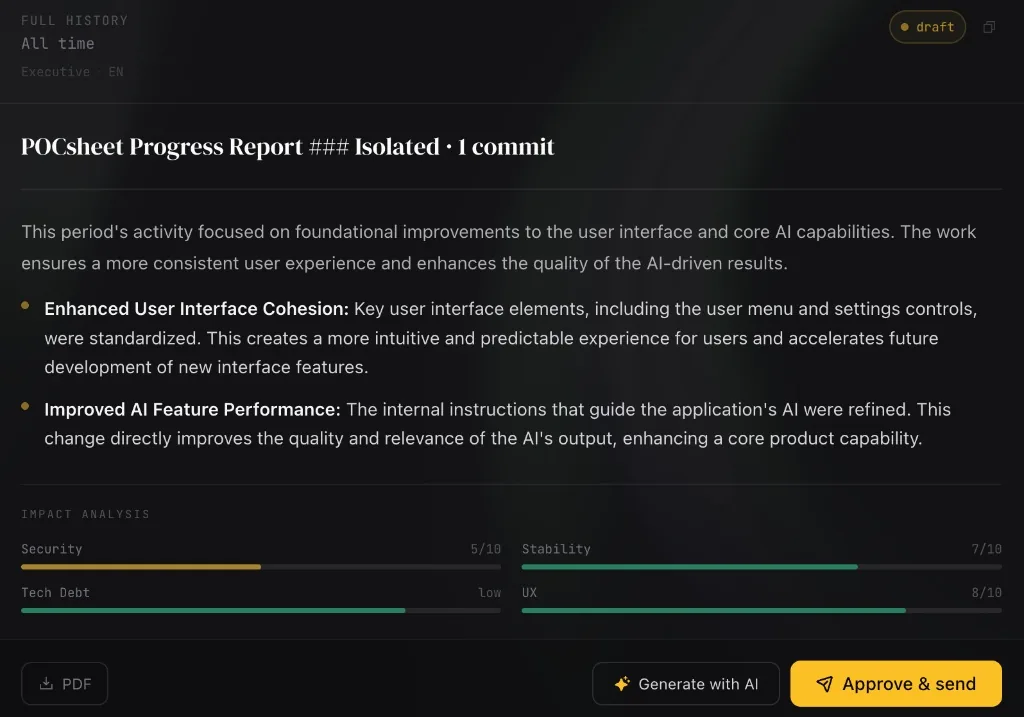
The draft is generated
The AI analyzes the period's commits and writes a clear executive report in the language and tone you've configured. In seconds.
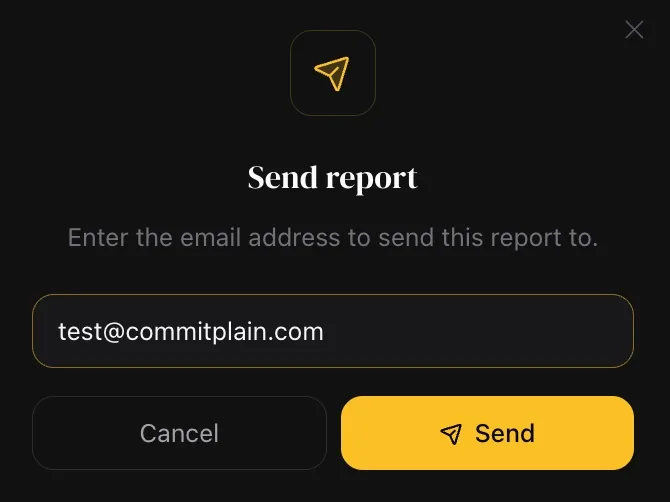
You review, you decide
The draft waits for your approval. Review it, edit if needed, choose the recipient. The client receives nothing until you decide.
What happens at each step.
Three steps on the surface. More depth underneath.
GitHub connection via OAuth
One-click authorization. No webhooks, no configuration.
You authorize commitplain through standard GitHub OAuth. The token is stored server-side only — it never appears in the browser. commitplain requests the minimum required scope to read commit metadata from the repositories you explicitly link. You can revoke access at any time from your GitHub security settings.
Commit analysis and draft generation
The AI reads what actually happened and writes a summary worth reading.
You select the date range and commit types to include (features, fixes, maintenance, refactors). The Indie plan analyzes commit messages, author names, and timestamps. The Agency plan adds deep code analysis: it reads the actual diffs of selected commits to produce a more accurate report — diffs are processed in memory during generation and discarded when it finishes, never stored. The AI generates an executive draft in the language and tone you've set for that project. Generation typically takes a few seconds.
Your review gate
The report waits in your dashboard. Nothing is sent without your action.
The generated draft is private to you. Your client receives no notification that a draft exists. You can read it, edit any part of the text, and choose who receives it: just yourself, your client, or both. Only after you click Approve does the email go out. If you don't approve, it stays in draft indefinitely.
The time it saves.
Most agencies and freelancers spend 1–2 hours per client per week writing status updates. With commitplain, that becomes a 5-minute review.
Without commitplain
- Pulling commits manually from GitHub
- Filtering relevant from irrelevant activity
- Translating technical language to business language
- Writing and formatting the update email
- Reviewing and editing before sending
With commitplain
- Click Generate — commits are read automatically
- Review the draft in your dashboard
- Edit what needs adjusting (usually nothing)
- Approve and send
You configure every detail.
Automation is available — but you set the rules. Here's what you control per project:
Report frequency
Daily (Agency plan), weekly, or monthly. Configured independently per project.
Commit type filters
Include or exclude feat/fix (product changes) and chore/refactor (technical maintenance) from each report period.
Output language
Each project generates in a different language. One client in Spanish, another in English, another in French.
Report tone
Executive (high-level business language), Detailed (more specifics), or Technical (for clients who want the full picture).
Recipients
Send to yourself only (for review), to the client only, or to both. Configurable per send action.
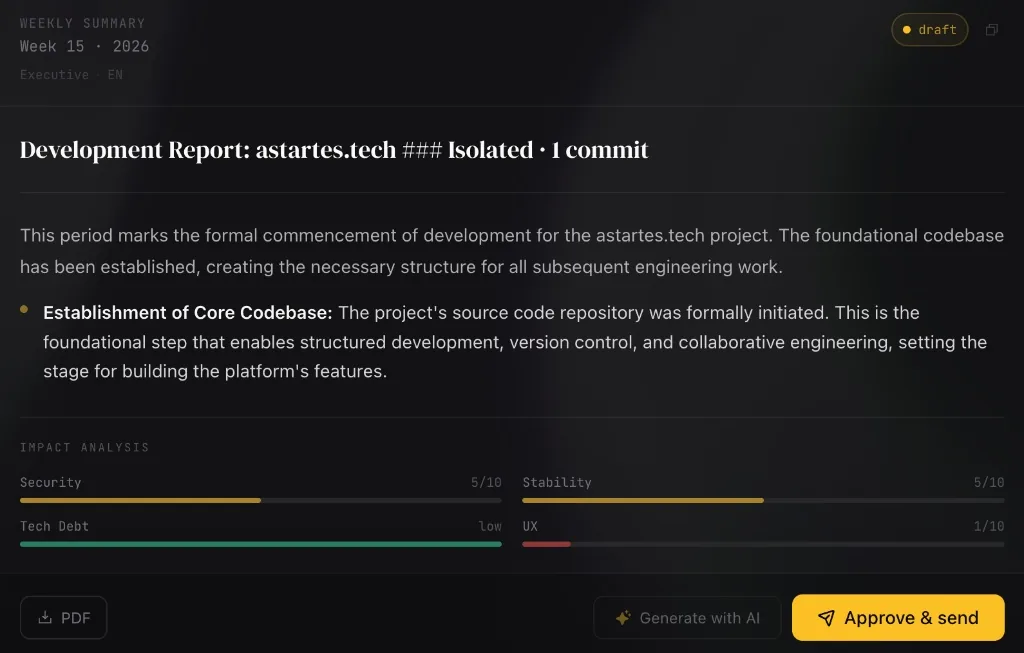
Step three is the one that matters.
Generation is fast. Review is deliberate. This step is where a draft stops being a pile of commits and starts being something your client can read, trust, and forward internally.
- The complete draft is available before any send
- Edit the text freely if you need to adjust anything
- Choose to send to the client, to your own email, or both
- The client receives nothing until you explicitly approve
Why this process exists the way it does.
The workflow above is the minimum viable process we landed on after reading — and arguing about — what actually goes wrong when agencies report to clients.
- Commercial
The hidden cost of skipping weekly client reports
What it really costs an agency when clients stop hearing from the team — in retention, not just relationship.
- Communication
How to explain technical work to non-technical clients
The translation step between the commit log and the client is the part that takes actual thought. Here's how we do it.
- Playbook
Weekly client reports agencies actually read
A short guide to writing the kind of weekly update clients forward internally — instead of archiving unopened.
Run the three steps on your next report.
The next weekly update you owe a client is the right moment to see this in action. Connect GitHub, generate a draft, and decide for yourself before sending anything.